
Moodle
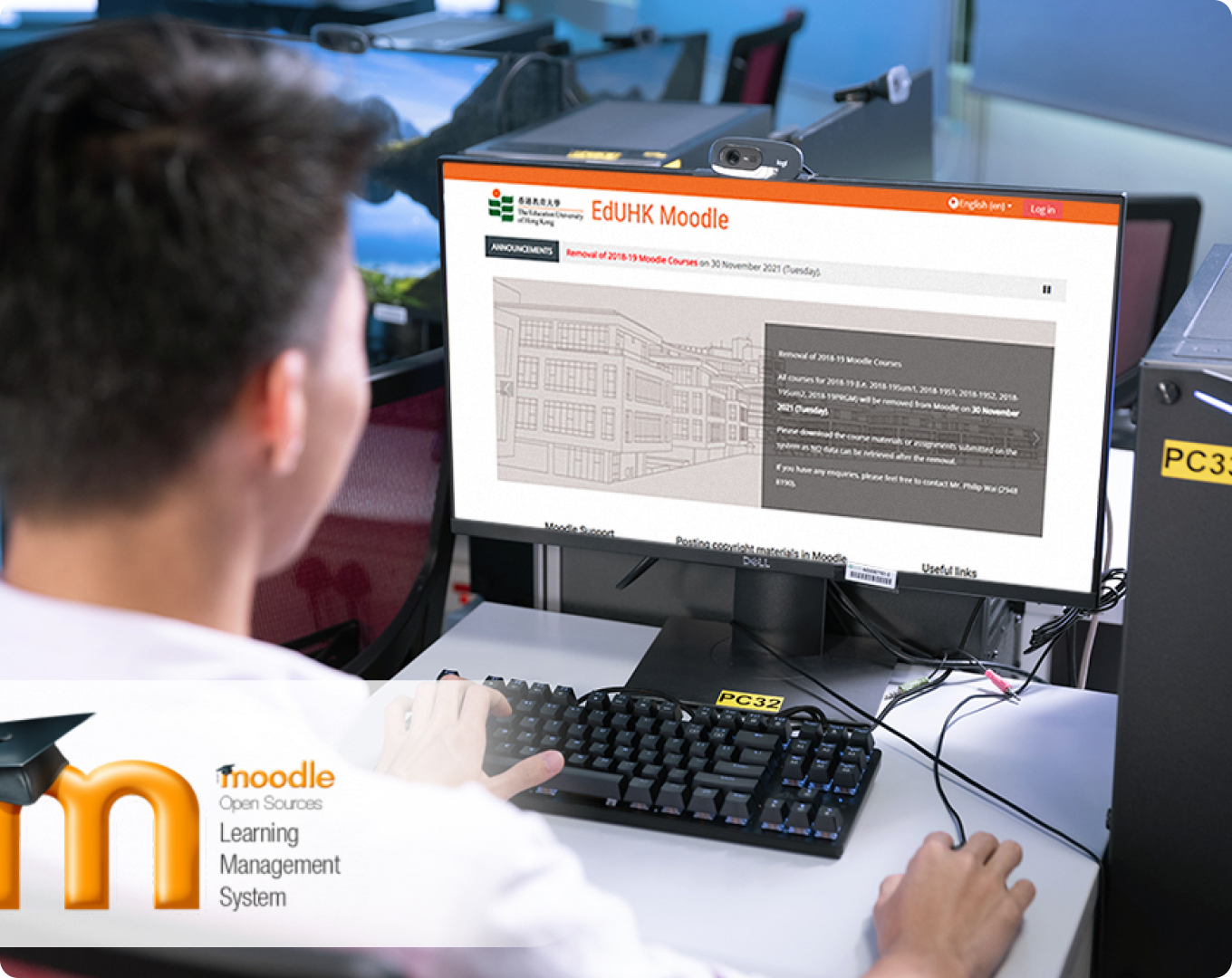
Moodle Learning Management System (LMS) has been adopted by the University’s e-learning platform since September 2011. It has been very popular among educators around the world as a tool for creating online dynamic web sites for their students. More than one hundred and eighty thousand educational sites around the world currently use Moodle to deliver online courses and to supplement traditional face-to-face classes (known as blended learning). Moreover, Moodle offers a wide variety of tools that can make course delivery more effective. It provides an easy way to upload and share materials, hold online discussions, give quizzes and surveys, gather and review assignments and record grades.
Visit EdUHK Moodle Websites for more details:
Since Moodle LMS was launched, our Centre has been providing operational and training support to EdUHK Moodle users while the Office of the Chief Information Officer (OCIO) has been providing server and maintenance support. The Moodle supporting team at LTTC provides a wide range of supporting services to staff and students.
User Guides
Login Moodle Website Y2024 with your EdUHK account using Google Chrome / Firefox browsers.
 Quick Start & FAQs

Quick Start User Guide Download
The quick start user guide cover topics :
- Log in Moodle and Find Your Course
- View Course Announcement
- Submit a Turnitin Assignment
- Activity Completion Status
- Dashboard and Timeline
Turnitin Assignment

Submit Turnitin Assignment and View Similarity Reports
Moodle Assessments

Video Content / Assignment

Communication & Other Activities

Hybrid and Online Learning

Quick Start & FAQs
Quick Start User Guide Download
The quick start user guide cover topics :
- Log in Moodle and Find Your Course
- View Course Users
- Upload Content Materials
- Create a Turnitin Assignment
- Post Course Announcement

Course Administration

Course Settings
Edit Course Section Format (From Topics to Weekly)
Change Courses Availability for Students
Turn On Student Role Preview Mode
User Management & Grouping
Enroll Sit-in Student or TA for Admin Support
Reports
Course Reports User Guide Covers:
- Activity Report
- Course Participation Report
- Logs Report
- Activity Completion Report
- Statistics Report